Daily reports.
Done on site.
Turn jobsite photos and daily notes into a branded PDF your client can open.
Built for contractors and sign installers. Works offline.
3 PDF reports free. Unlimited reports: US $4.99 once.
No subscription. Google Play shows your local upgrade price.
Android 8.0+ · English and Spanish · Version 2.0
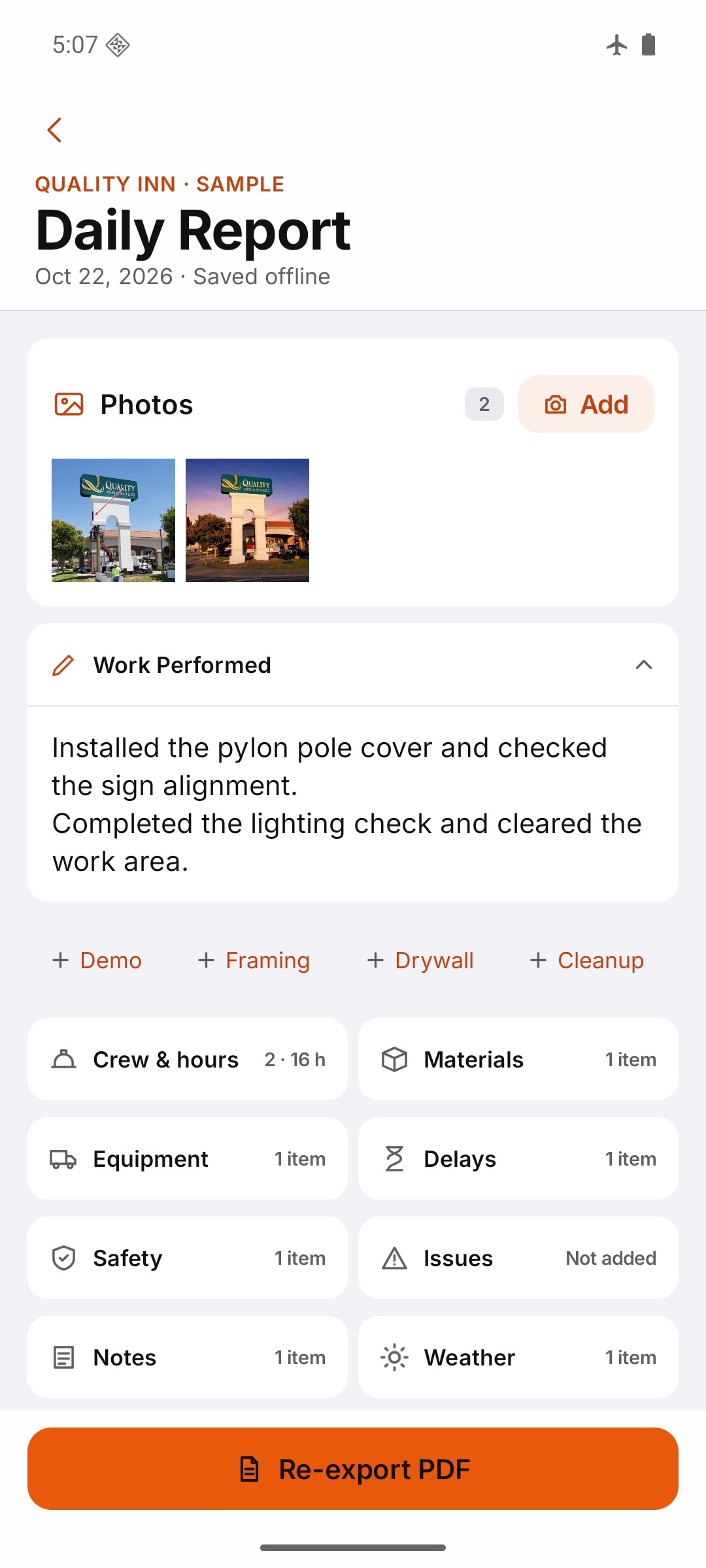
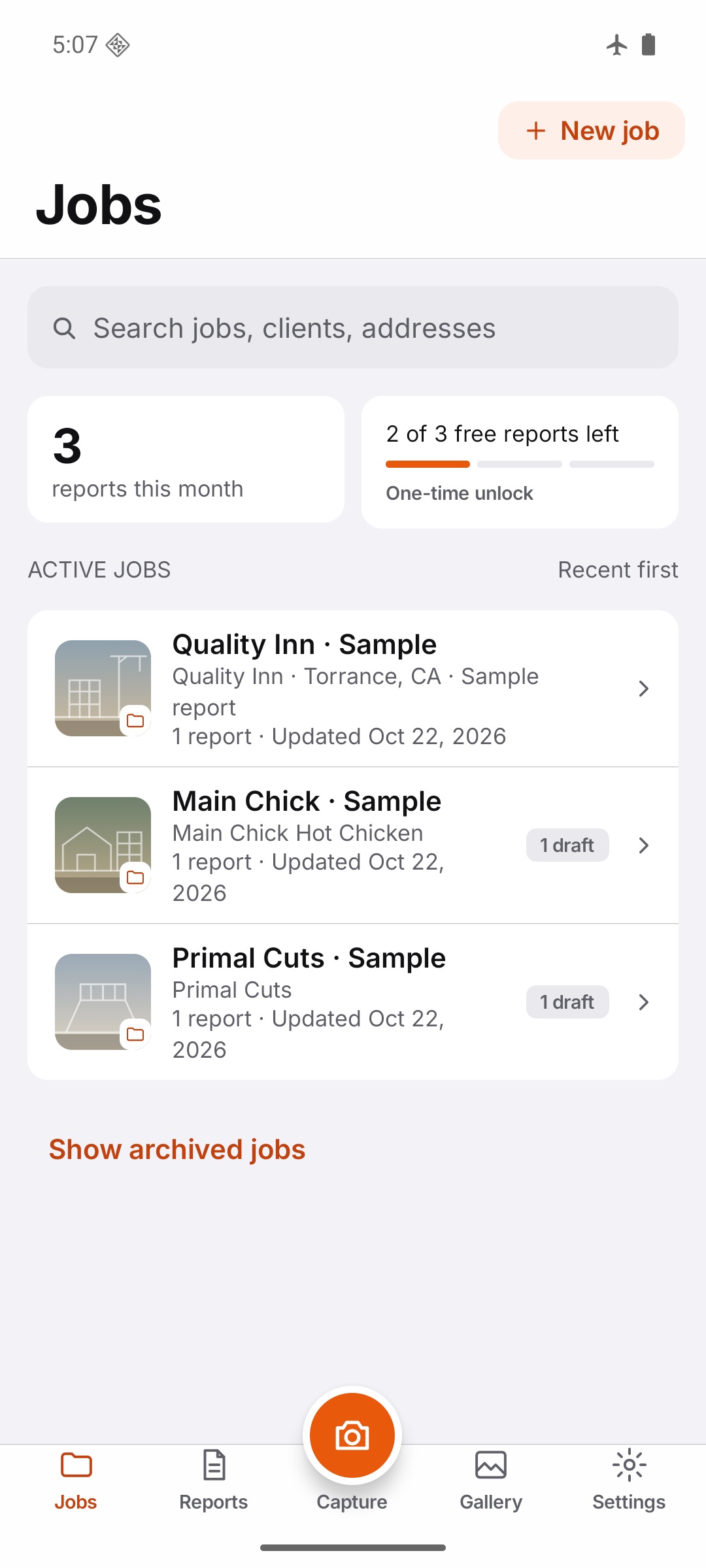
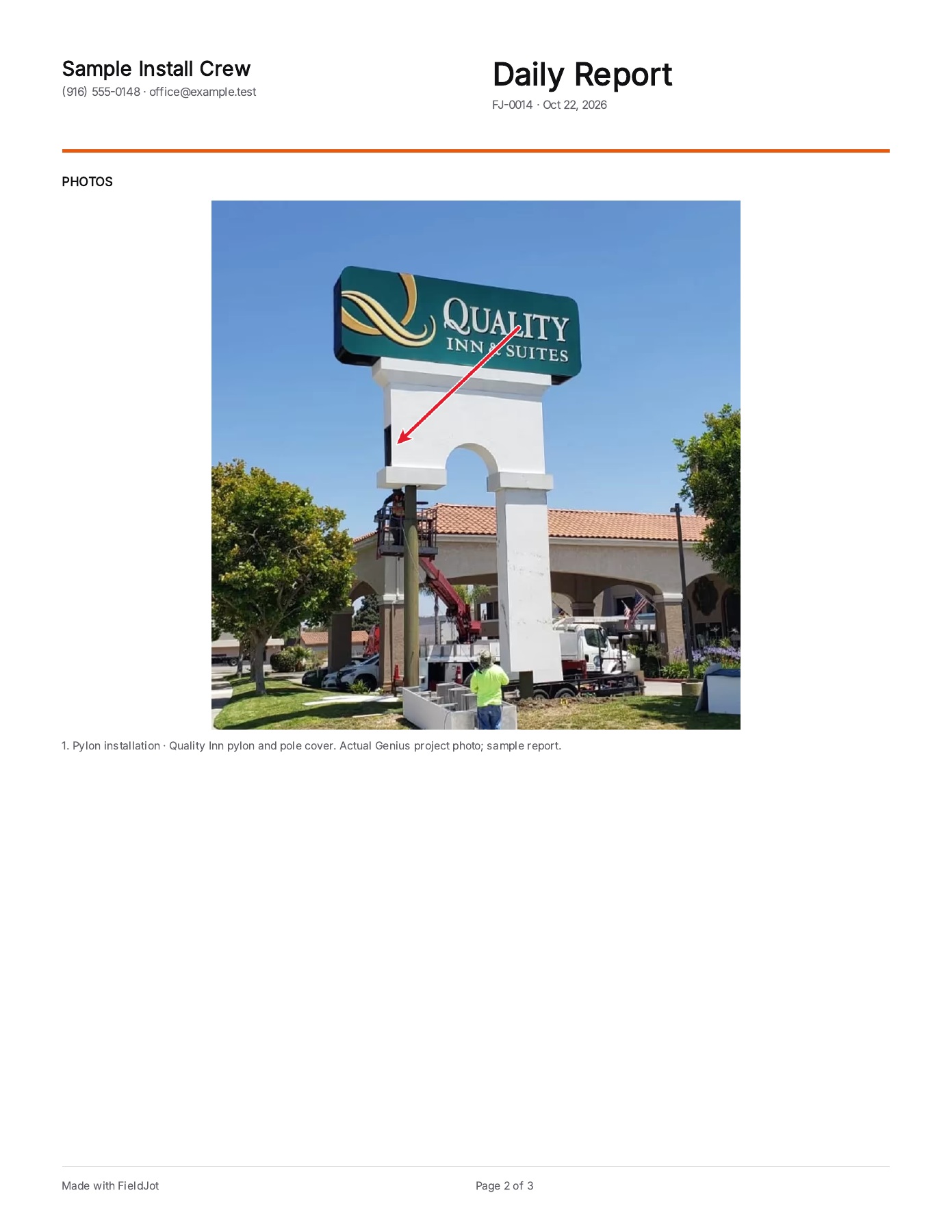
Genius project photos used with permission. Report text, dates and crew are sample data.
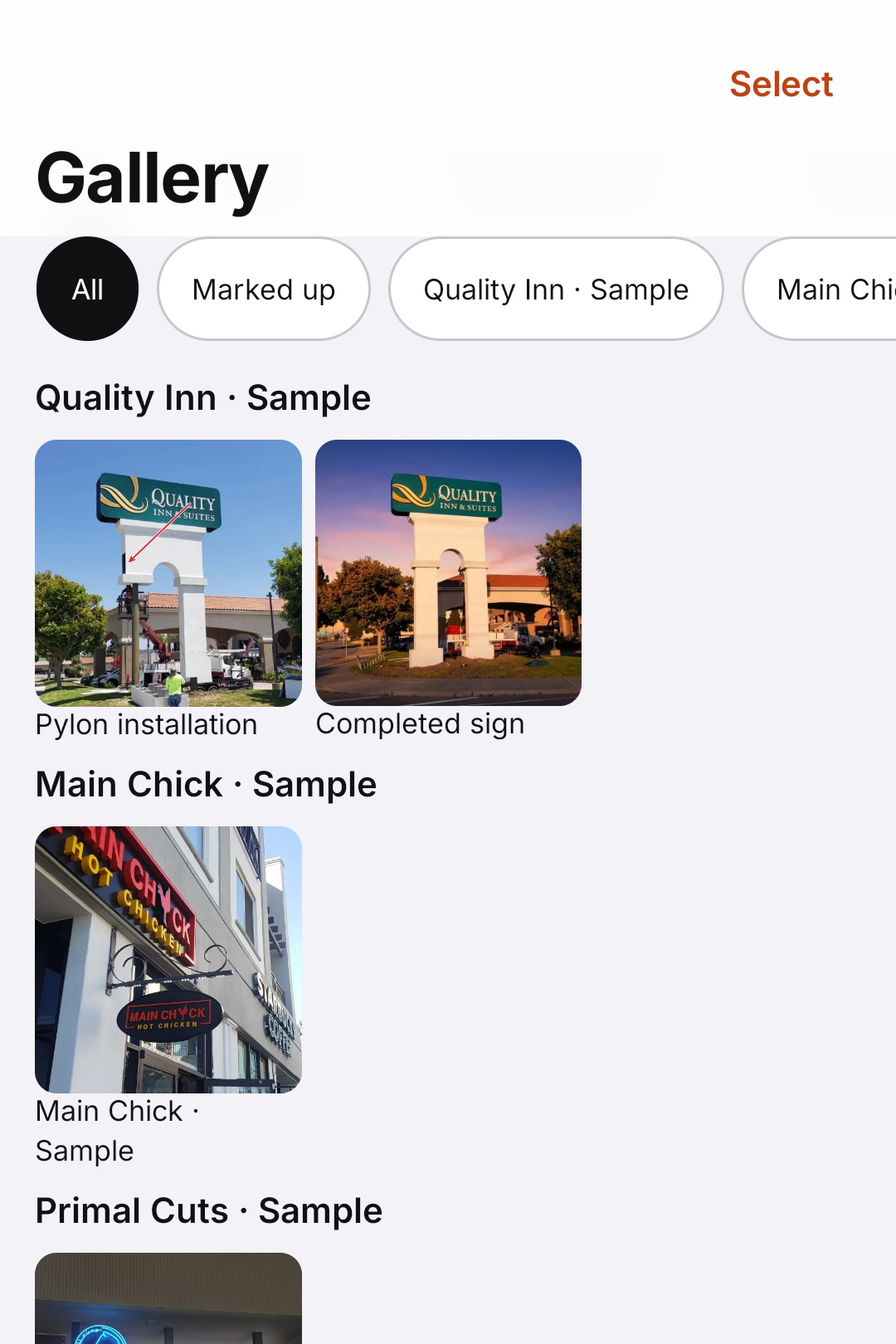
One job.
Everything in its place.
Photos and notes stay with the work they belong to. Pick up tomorrow with the job already organized.
Capture the important detail.
Take photos, add arrows or text, reorder them, and choose which images appear in the PDF. Keep the originals available.
Write what matters.
Work performed, crew hours, materials, equipment, delays and safety. Reuse templates, or copy yesterday's text without copying photos or signatures.
Send a finished document.
Share a branded PDF, report-page images, marked-up photos or originals. Your client or GC can read the PDF without installing FieldJot.
Finish the job. Send the report.
Watch the actual FieldJot Android app keep job photos, notes and crew hours together, then export a branded PDF. Sample report data and approved project photographs.
Real app footage with sample report text, dates and crew. Project photos courtesy of Genius Signs & Lighting, used with permission. Synthetic narration; captions work without sound.
Read the demo transcript
The job's finished. Here's the report. Keep the job, photos, and notes together. Check the work performed and crew hours. Then export a branded PDF, ready to send. Core reporting works without a signal. Try three reports free. Find FieldJot on Google Play.
Give the photo some context.
Watch a job photo opened and marked in the actual FieldJot Android app, then see the photograph and its explanation in the exported PDF. Sample report data and approved project photographs.
Real app footage with sample report text, dates and crew. Project photos courtesy of Genius Signs & Lighting, used with permission. Synthetic narration; captions work without sound.
Read the demo transcript
That photo needs a little context. Keep your photos with the job report. Add an arrow, a label, or a caption. Then export the photos with your notes. Your client gets the photo and the explanation together. Try three reports free. FieldJot is on Google Play.
Free to start.
Then pay once.
Try three distinct PDF reports. Only the first successful PDF export of each report uses a credit. Drafts, the sample report and re-exports stay free.
Get FieldJot freeUS $4.99 once
Optional FieldJot Pro upgrade.
Unlimited reports, signatures and PDF add-ons. No subscription.
US upgrade price. Google Play shows your local price before purchase. Buying or restoring needs a connection; verified paid access works offline.
A few practical questions.
What uses one of the three free reports?
The first successful PDF export of each distinct report. Saving a draft, cancelling an export, exporting the sample report, or re-exporting a report you've already exported does not use another credit.
What works without a signal?
Jobs, notes, photos, markup and PDF creation/export work offline. After a purchase, verified paid access is saved on your device for offline use. Buying, restoring a purchase and optional Google Play reviews need a connection.
Can I add my company logo and signature?
Yes. Add your company and logo in Settings. The optional Pro upgrade adds signatures and PDF add-ons.
Can I move my reports to a new phone?
Use Backup & Transfer to save a file you choose, then restore it on another Android phone or tablet. You can also send the workspace directly using a sharing app you select. FieldJot does not upload an automatic cloud backup. Keep a backup before uninstalling or replacing your device.
I already paid for FieldJot. Do I have to buy again?
No. Existing installations and supported founder backups retain lifetime access. In-app purchases can be restored with the same Google Play account. If you bought the original paid app and reinstall without retained data or a founder backup, email hello@cmmmstudios.com with your Play receipt for a free recovery code. Do not send report files or payment-card details.
Where do my reports go?
Reports, photos and signatures stay on your device unless you choose to share, export or back them up. FieldJot does not upload report content to CMMM Studios. Google Play processes purchases and optional reviews, and its billing library sends technical diagnostics to Google. Read the app privacy policy for details.
Which languages and devices are supported?
FieldJot runs on Android 8.0 and later, including compatible foldables and tablets. The app interface and PDF language can be set separately to English or Spanish. There is no iPhone version currently.
Is this a shared crew-management platform?
FieldJot focuses on the daily jobsite report. It does not provide a shared cloud dashboard, payroll or team accounts. Need it for your crew? Email hello@cmmmstudios.com.